Preview PlantUML diagrams right in Finder.
PlantUML QuickLook adds Quick Look previews for PlantUML diagram files. Press Space on a .puml, .plantuml, or .pu file and you see the rendered diagram instead of raw text — sequence, class, activity, component, state, use case, and more. By default it renders with the public PlantUML web service, and you can point it at your own self-hosted server to keep diagrams on your own infrastructure.
.puml, .plantuml, and .pu files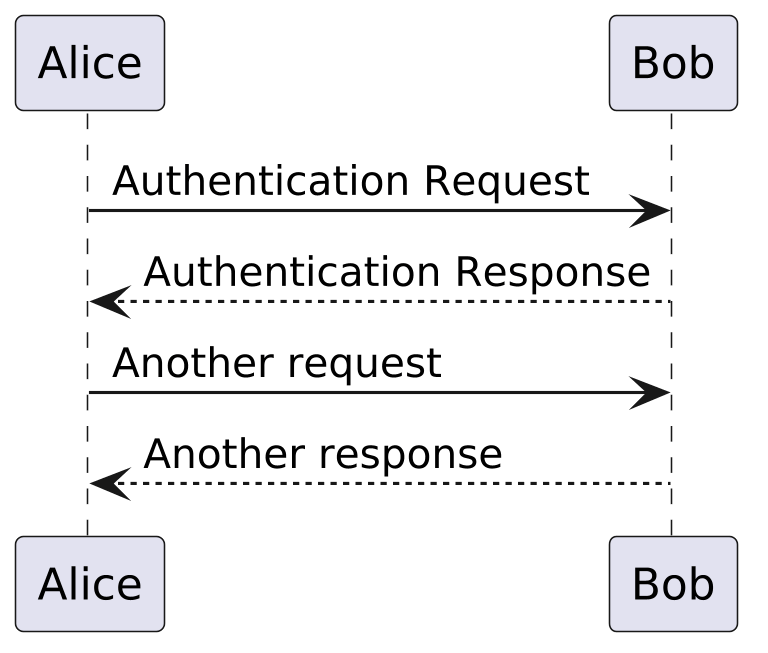
Diagrams are rendered by a PlantUML server. Out of the box PlantUML QuickLook uses the public service at plantuml.com, which needs no setup. If you'd rather keep your diagrams on your own infrastructure — or work fully offline on your network — open the app and enter the address of your own PlantUML server in the PlantUML Server field. Use an HTTPS address for a remote server, or plain http for a server on your local network.
Run a PlantUML server on macOS, Linux, Windows, or Docker →
PlantUML QuickLook has no accounts, ads, analytics, or tracking. To render a preview, the text of the diagram you're previewing is sent to the PlantUML server you've configured (the public service by default) and an image is returned; it isn't stored or used for anything else. Read the full privacy policy →