Quoth
On-device dictation for macOS, polished and inserted at your cursor.
Download for macOS
Version 1.3.1 · macOS 26 · Apple silicon · 8.5 MB
On-device dictation for macOS, polished and inserted at your cursor.
On-device dictation, polished and inserted at your cursor.
Quoth turns voice input into clean, punctuated text dropped straight into whatever app you're typing in. Press your shortcut, speak, then Esc — speech-to-text and the AI cleanup both run on-device, so your voice never leaves your Mac. Per-app Shapes format the result for where you are: an email reads like an email, a chat message stays terse, a list becomes a list. You can edit those rules or add your own.

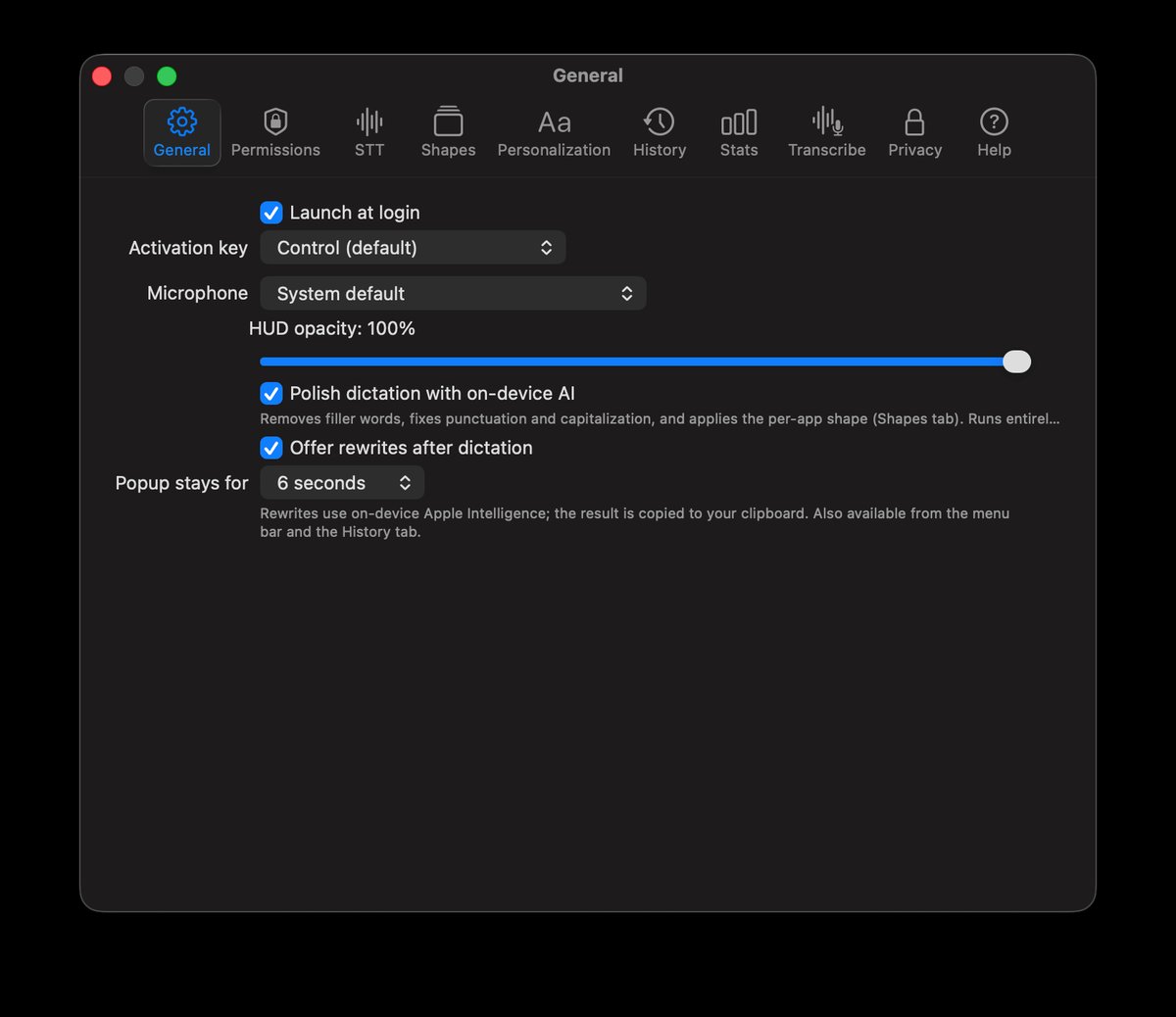
Pick your dictation shortcut and input device, then leave it in the menu bar. AI polish is a single toggle — turn it off to insert exactly what was heard.
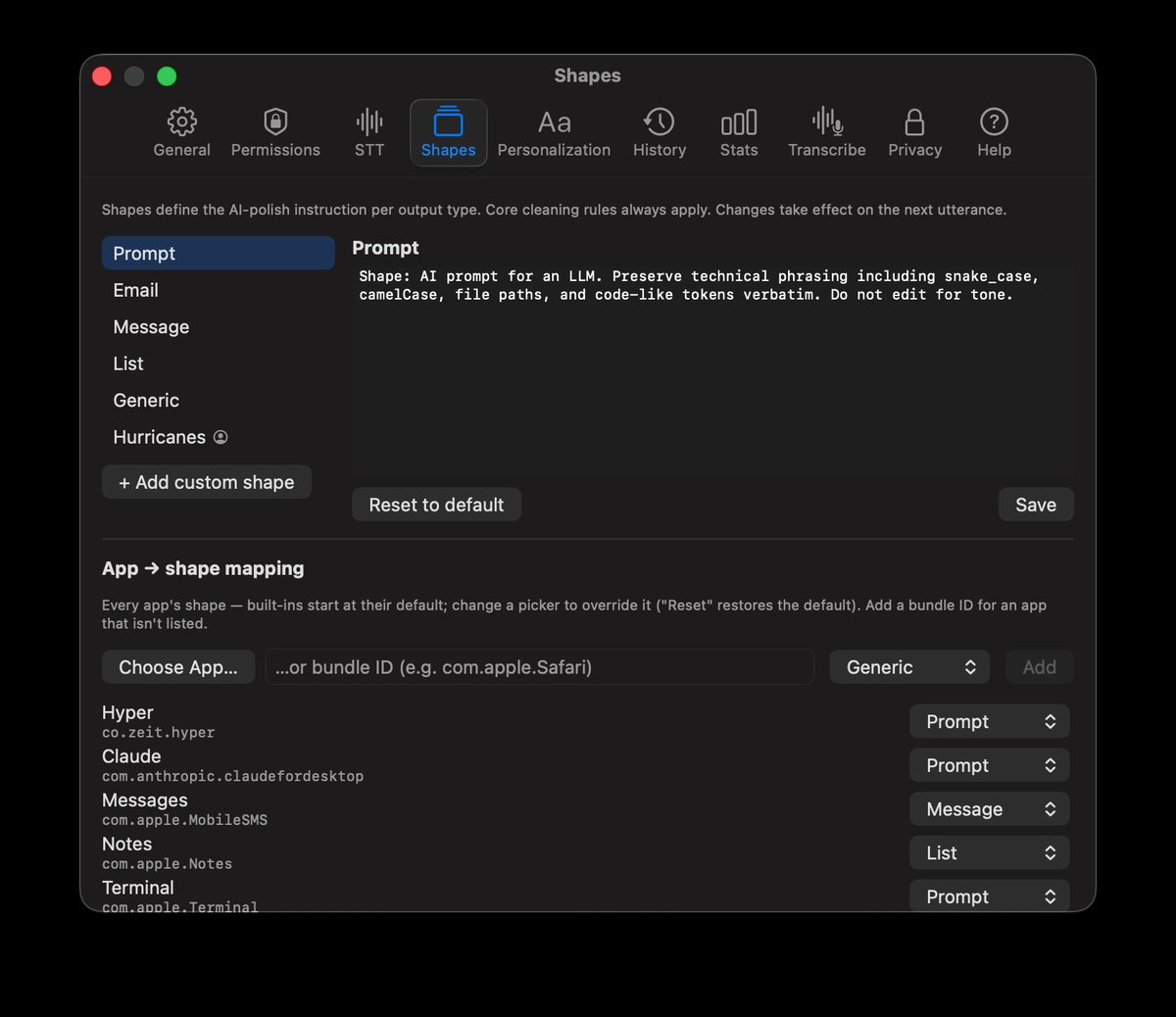
Each app maps to an output shape. Edit a built-in shape's instruction, reset it, or create your own — and map any app to it with a picker.
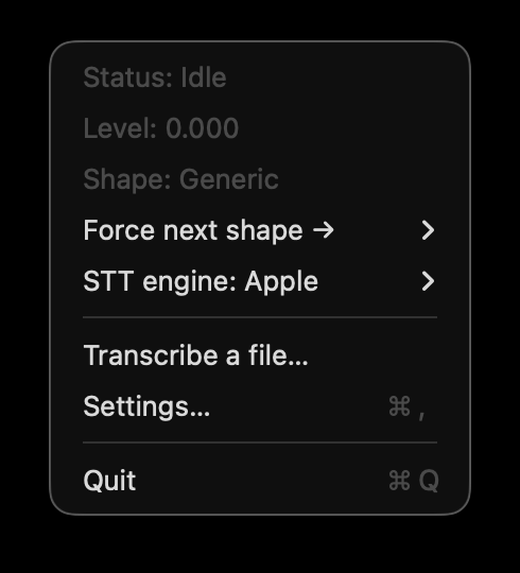
Status at a glance, a one-off shape override for the next dictation, and quick access to everything. No Dock icon, no window in the way.
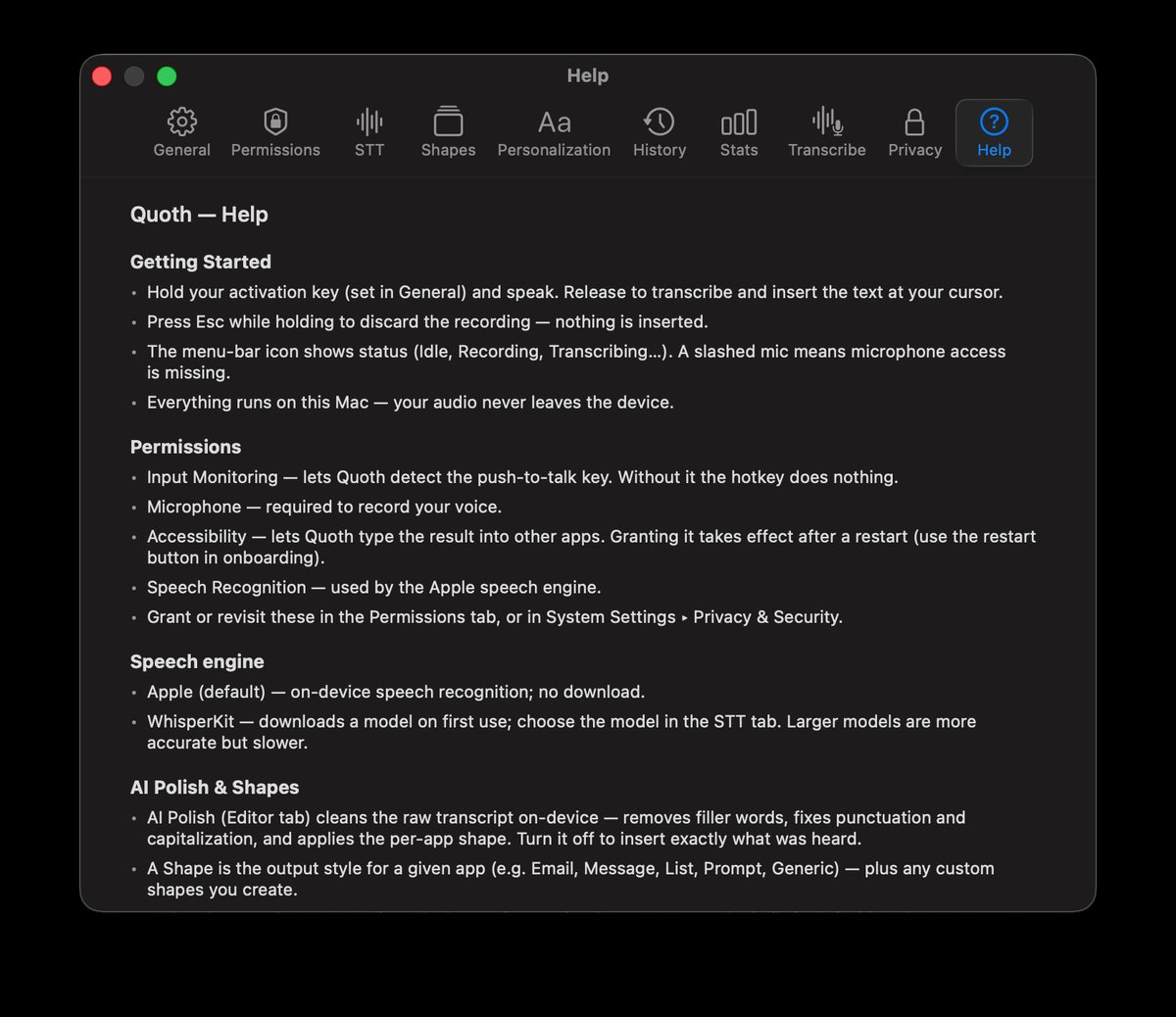
A guide in Settings plus per-control tooltips — getting started, permissions, the speech engine, shapes, privacy, and troubleshooting.
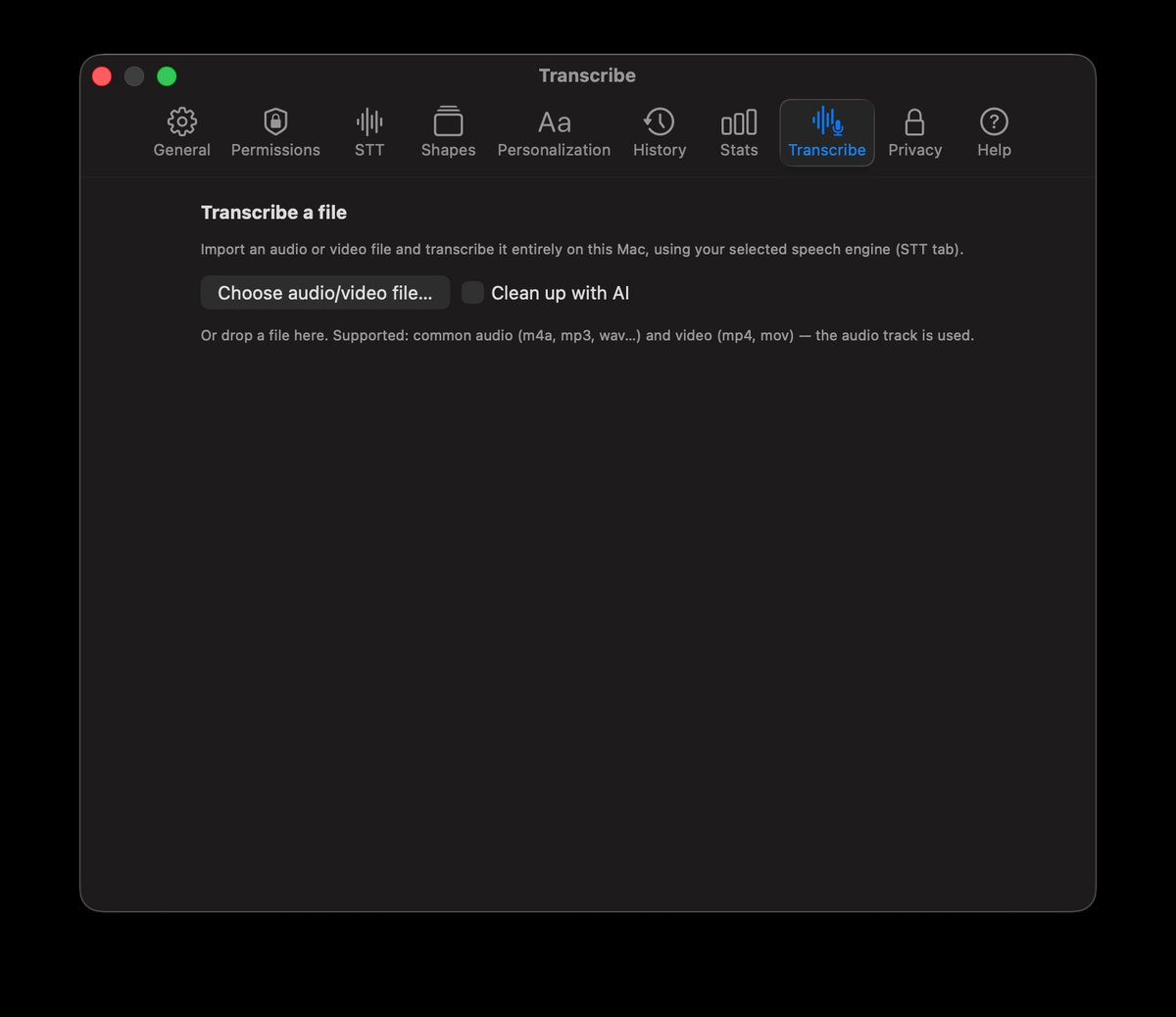
Drop in an audio or video file and Quoth transcribes it on-device — optionally cleaned up by AI. Copy, save, or rewrite the result.
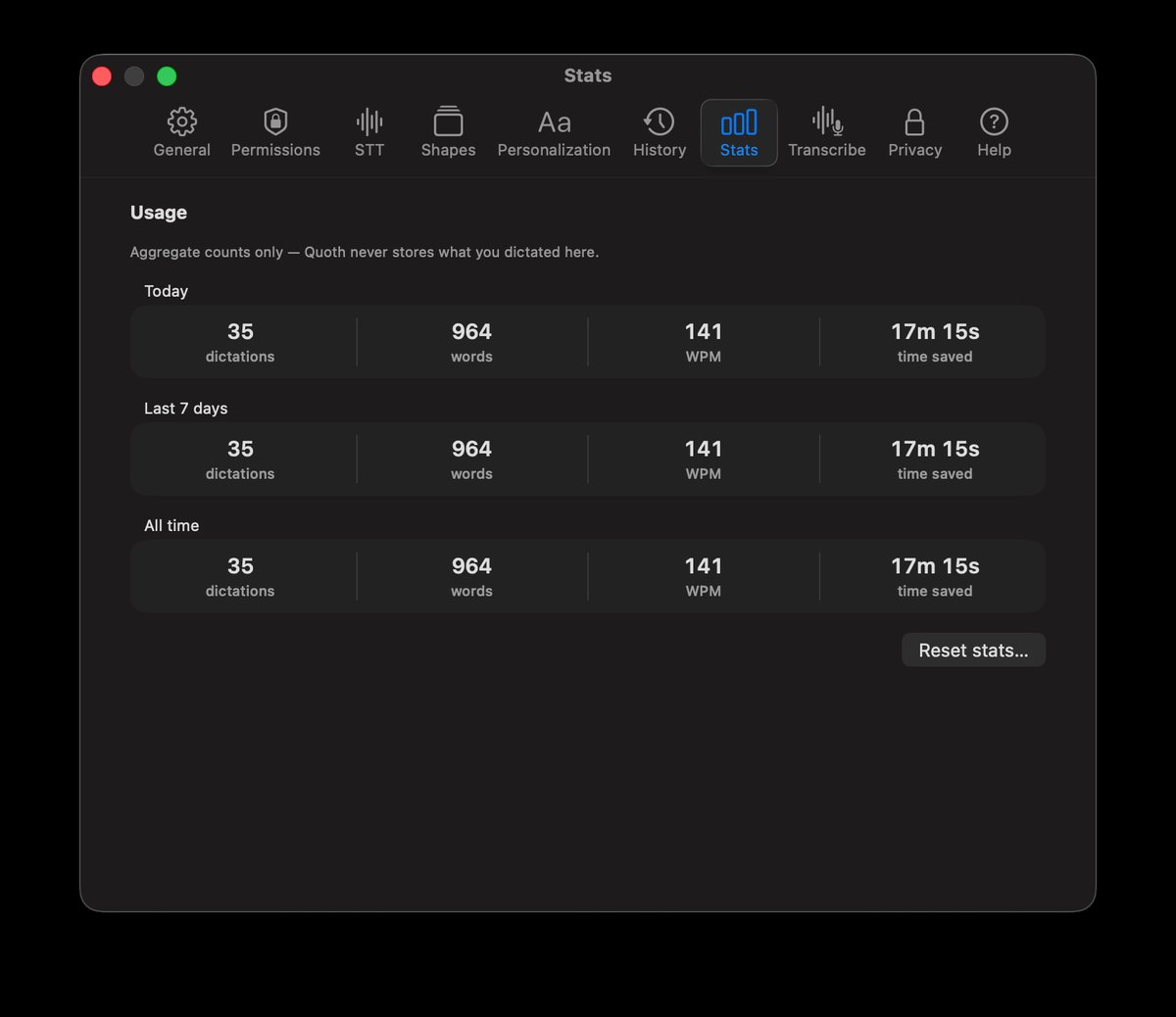
Dictations, words, speaking rate, and estimated time saved — today, this week, all-time. Aggregate counts only; no transcript content is kept.
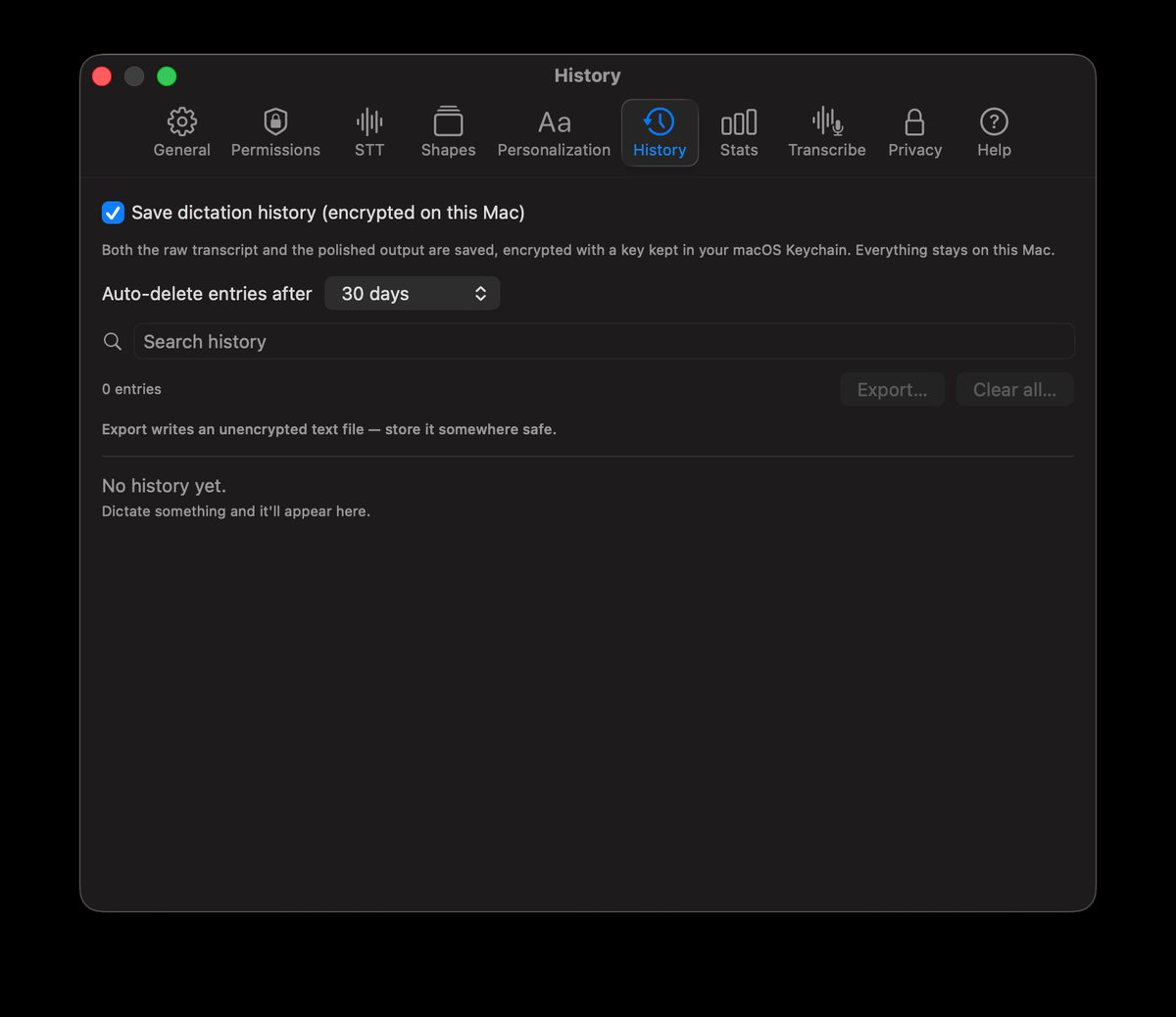
Optionally save a searchable, encrypted record of your dictations — auto-deletes on your schedule, or export it. Off by default; everything stays on your Mac.
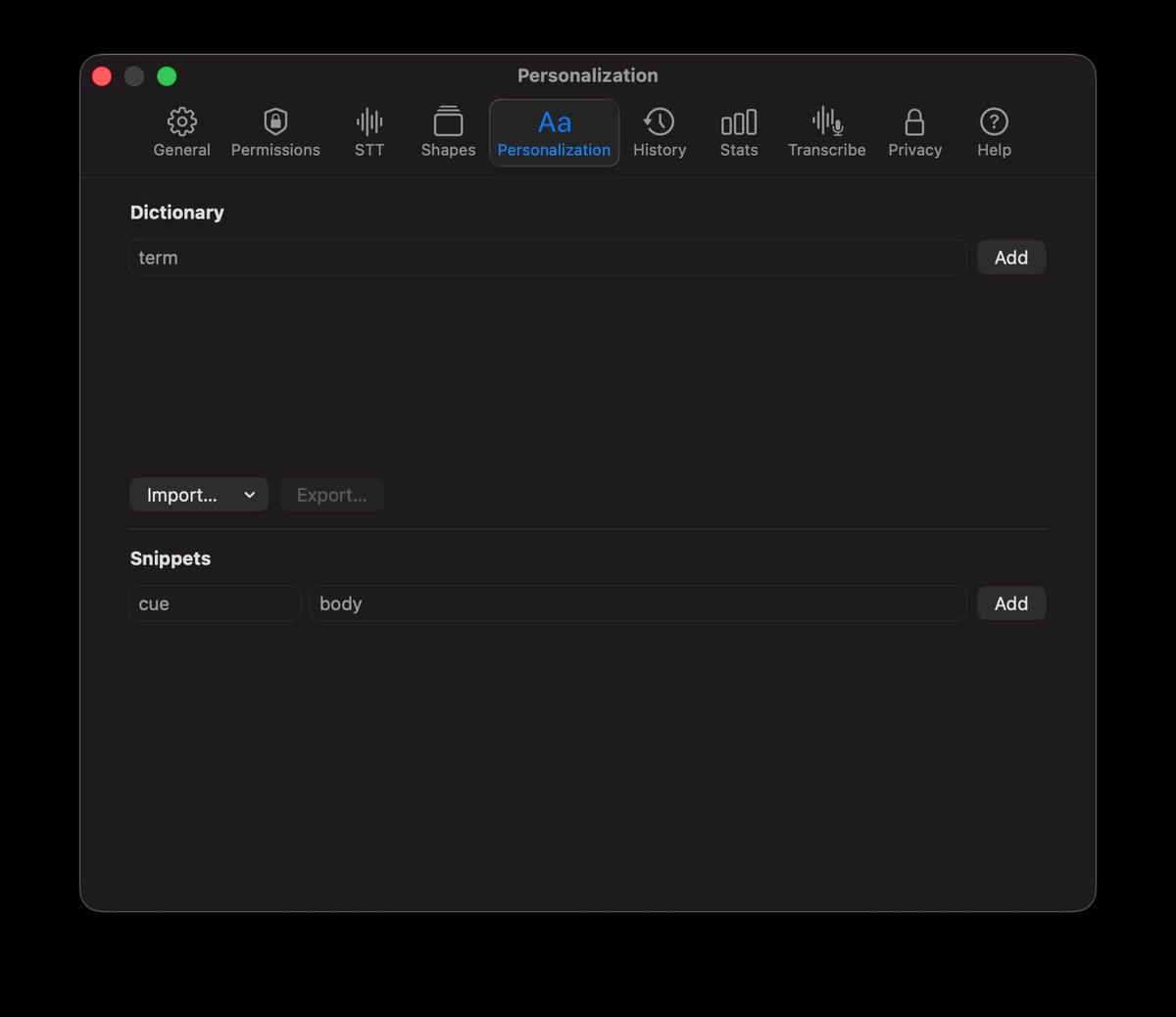
Add names, jargon, and acronyms to your personal dictionary — import them in bulk from a file or Contacts, and export them back out. Snippets expand a short cue into longer text.
Version 1.3.1
Highlights
Quoth runs entirely on your Mac. Audio is captured to a short in-memory buffer and never written to disk; speech-to-text and AI polish both run on-device; there is no account, no telemetry, and no analytics. The only network access is a one-time speech model download (from Apple, or Hugging Face for WhisperKit). Read the full privacy policy →
On first launch Quoth requests Microphone (to record), Speech Recognition (for the Apple engine), and Accessibility (to insert text into the app you're typing in). Each is requested in context and can be revoked any time in System Settings → Privacy & Security.
macOS 26 on Apple silicon. On-device AI polish uses Apple Intelligence where available, with a deterministic cleanup fallback otherwise. Developer-ID signed and notarized; distributed as a direct download, not via the Mac App Store.